Monument design software for headstone dates
Cut files for adding a date to a headstone, in the stone’s own lettering.
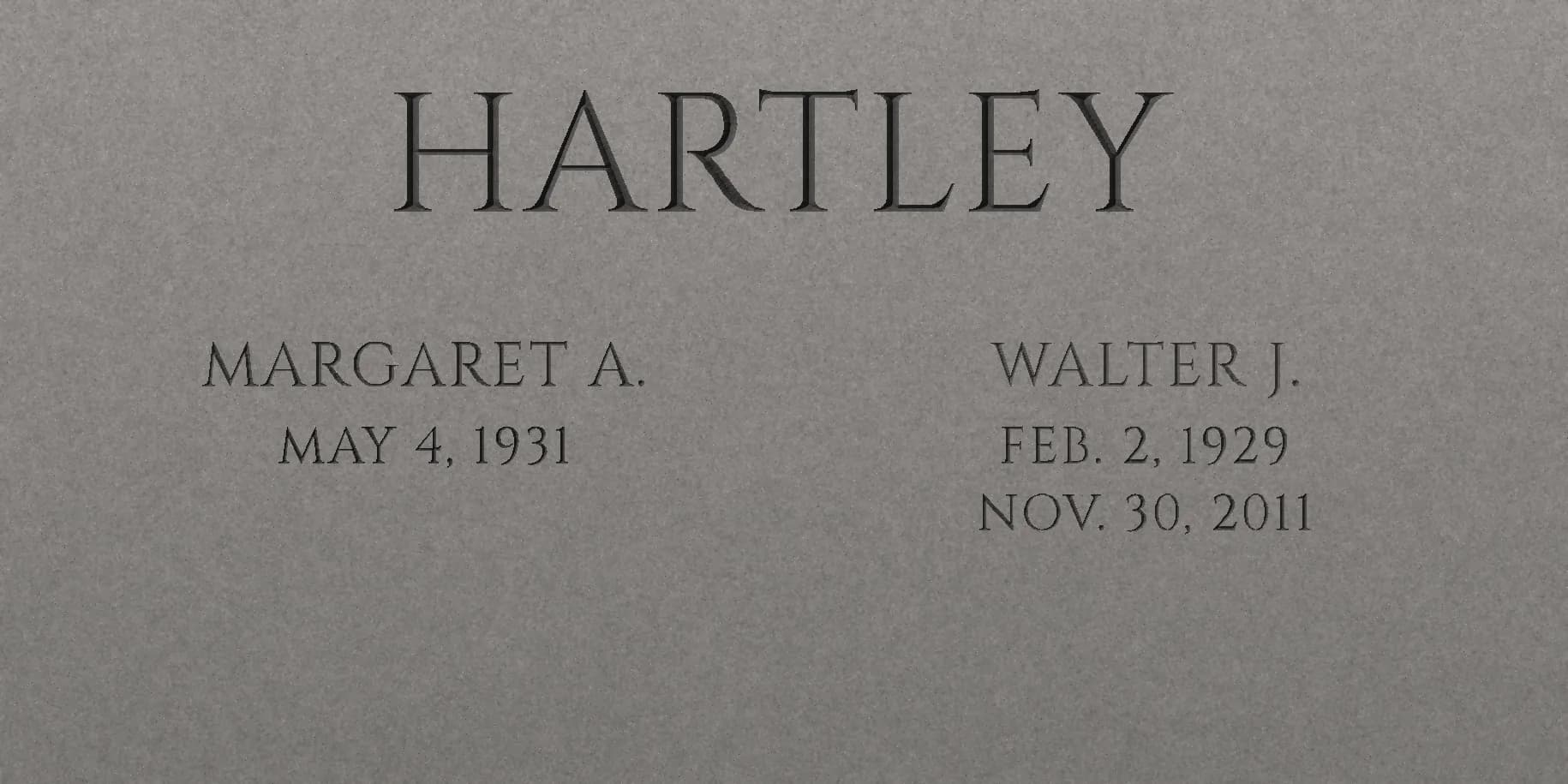
Photograph the stone and enter its size. Monumize reads the dates already cut, matches the font, spacing and height, and lays the new date on your photo so you can see it before you cut. Then download to-scale cut files for your cutter.
- Photo to file
- Minutes
- no rubbing, no redraw
- Written for
- Gerber OMEGA
- R12 DXF; try a sample first
- Formats
- 7 files
- DXF, EPS, PDF, PLT, SVG

~0%
Letter size error
Typical on our sample test images; real stones vary
$0
Per job
Plus sales tax, paid at first download
0
Monument fonts
Open-licensed (SIL OFL), outlined in every file
0
Files per job
DXF, EPS, PDF, PLT, SVG, CAD DXF, placement
See it in 78 seconds
Watch a final date go from photo to cut file
A phone photo of the stone, the lettering matched, the new date placed on the photo, and to-scale files for your cutter. This is the whole job, start to finish, on a demo stone.
Four steps, no redrawing.
From a photo to a file your cutter opens, in minutes. We do the measuring; you check it on the photo and make the calls.
- 1
Photograph the stone
Straight on if you can. Enter the stone’s width and height; a coin or card in frame works too.
- 2
Set the corners
We suggest the four corners of the polished face; drag any that are off. That squares the photo to the stone’s true size.
- 3
Match and type
Pick the date already on the stone. We match its font, height and spacing, you type the new one and see it on the photo.
- 4
Download and cut
DXF for Gerber OMEGA, EPS, PLT, PDF and SVG, to scale and cropped to the date. Re-generating the same job is free.
Who it’s for
Built for the people who letter stones.
For monument shops
Photograph the stone on your cemetery visit and leave with a to-scale cut file for the new date, matched to the lettering already on it.
- Photo-calibrated size and placement
- Smooth true-arc DXF for Gerber OMEGA
- $49 per job, every format included
For monument shopsFor cemeteries
If your crew letters stones in-house, get the same shop-grade stencil files, so every final date matches the original font and size.
- Matched to the existing lettering
- Sandblast stencil files, cut on site
- No subscription or seat fees
For cemeteriesFor families planning a date
Preview fonts and wording with our free tools, then take your plan to your monument shop. They can match the stone with Monumize.
- Preview monument fonts on your words
- Build the inscription text
- Estimate the engraving cost
Free tools

Straight-line segments
The knife steps corner to corner. On the stone that reads as a rough edge.

True arcs
One smooth sweep that follows the letter exactly. What Monumize writes.
What you actually get
Smooth letters. Right size. Opens first time.
Curves are written as true arcs, not thousands of tiny straight lines, so edges cut clean. Outlines are closed, counters are kept, and the file is cropped to the date at 1:1 in inches.
- DXF
R12 for Gerber OMEGA and sign software
Closed outlines with true arcs. No splines, no live text, no font to go missing.
- EPS
Illustrator and CorelDRAW
Exact curves at 1:1 for Cutting Master and other plug-ins.
- PLT
HP-GL, straight to the cutter
Plus a 1:1 PDF to print and hold against the stone, an SVG, and a CAD DXF.
Private by default. Audited by design.
Your jobs, isolated
Private storage, short-lived download links
See it before you cut
The outline laid on your own photo
Every change logged
Analysis, edits and exports per job
Minutes from photo to file
Re-generating the same job is free
Your first job is free.
Free account · First job free · then $49 per job
Match the stone and check the new date on your photo before you pay. Your first job’s cut files are free. One payment unlocks every file for the job, re-downloads included, with an invoice for your records.
- Account
- Free
- No credit card to start.
- AI analysis
- Free
- Stone, dimensions, font match.
- Per job
- $49
- First job free. Every format. Plus tax where it applies.
Frequently asked.
Who is Monumize for?
What formats do I get?
How accurate are the measurements?
What if the font match is wrong?
How do I get started?
Is my data private?
Talk to us
Get Monumize for your shop
Tell us a little about your shop and we’ll help you set up, answer questions about your cutter and fonts, and walk you through your first job.
Prefer email? info@monumize.com
Ready when you are.
Photograph a stone, see the new date on it in its own lettering, and download the cut files. Your first job is free, then $49 per job.